Table of Contents
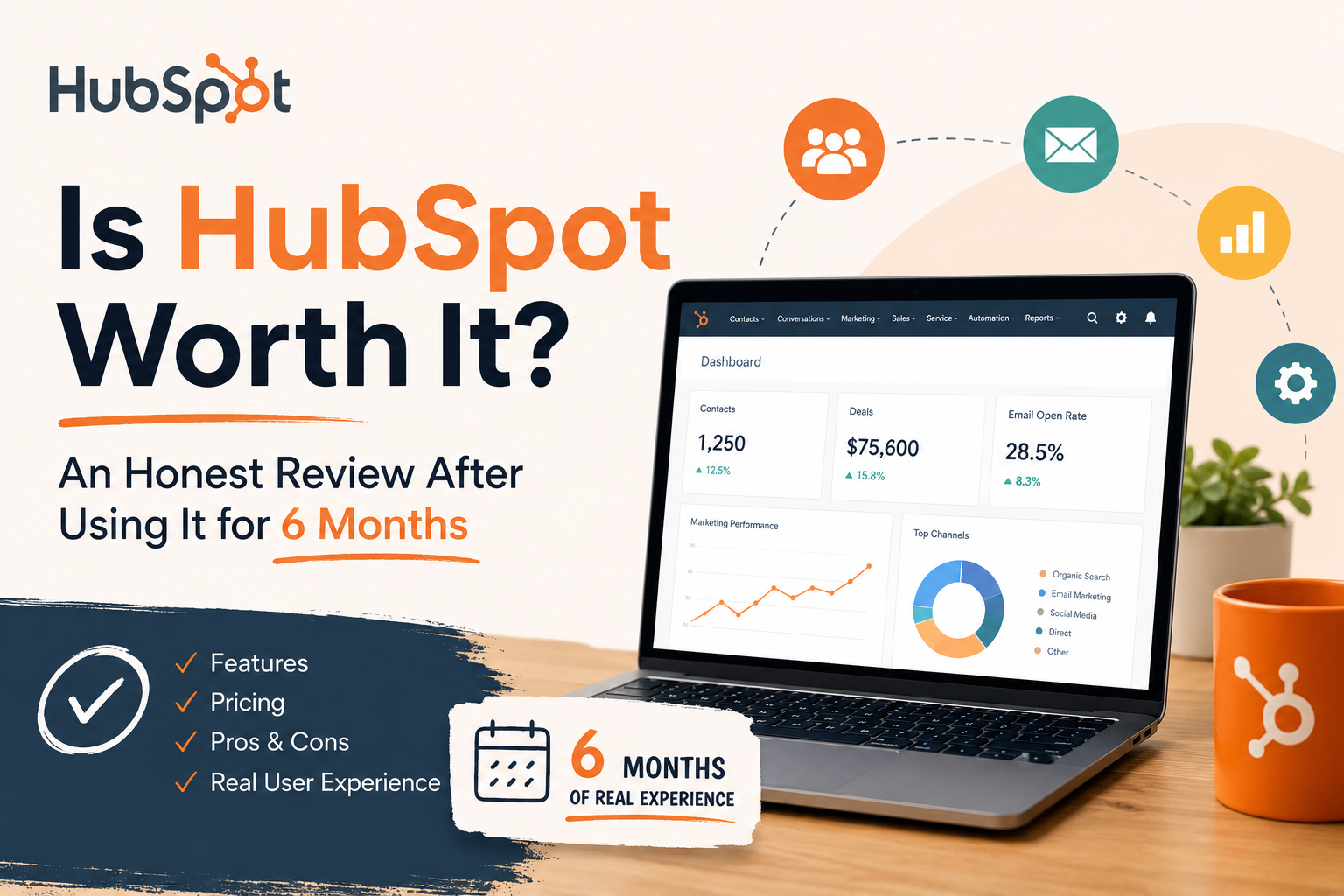
Let me be upfront: I was skeptical. HubSpot is one of those tools everyone recommends but few people actually explain properly. So I decided to use it for 6 full months — across my own agency and two client businesses — and write the review I wish I’d had before signing up.
Spoiler: it’s genuinely impressive — but it’s not for everyone, and the pricing can catch you off guard. Read this before you spend a rupee (or a dollar).
What is HubSpot?
HubSpot is an all-in-one CRM (Customer Relationship Management) platform that combines marketing, sales, customer service, and content management under one roof. It was founded in 2006 and today serves over 200,000 businesses worldwide.
Think of it as the Swiss Army knife of business software — instead of juggling 10 different tools (email marketing, live chat, pipeline management, landing pages, analytics), HubSpot puts it all in one place, with all the data talking to each other.
CRM & Contacts
Free forever. Track every lead, deal, and customer interaction automatically.
Email Marketing
Design, send, and track campaigns. Free plan allows up to 2,000 emails/month.
Sales Pipeline
Visual deal stages, automated follow-ups, and meeting scheduling built in.
Marketing Automation
Set up workflows that nurture leads on autopilot — even on free plans.
Content Hub
Blog, landing pages, and SEO tools — all connected to your CRM data.
Live Chat & Bots
Talk to website visitors in real time. Free chatbot included.
Why I Tried HubSpot (And Almost Gave Up)
My agency was drowning in tools. We had Mailchimp for email, Trello for deals, Calendly for bookings, and Intercom for chat — and none of them talked to each other. Every Monday I was copy-pasting data between tabs like it was 2010.
A mentor suggested HubSpot. I started with the free plan (yes, it’s genuinely free — not a trial) and within the first week, it had imported all our contacts, connected to Gmail, and started logging every email automatically.
🚀 Start where I did — for free No credit card required. Free plan never expires.
Try HubSpot Free →The first two weeks were a learning curve. The interface is packed with features and it can feel overwhelming. But HubSpot’s onboarding Academy (free video courses) got me up to speed fast. By month 2, our team had completely replaced 4 separate tools.
Key Features Breakdown — What I Actually Used
1. The Free CRM — Genuinely the Best in Class
The HubSpot CRM is free forever — no gimmick. You get unlimited contacts, a visual deal pipeline, email tracking, meeting scheduler, and live chat. Competing tools like Zoho or Pipedrive charge for most of this.
What blew me away: automatic contact enrichment. HubSpot pulls in the company name, size, LinkedIn profile, and industry — just from an email address. Zero manual data entry.
2. Email Marketing & Sequences
The drag-and-drop email builder is clean and produces mobile-responsive emails without a design degree. More importantly, email sequences (automated follow-ups) work flawlessly on the free plan. I set up a 5-email cold outreach sequence that ran for 3 months without me touching it.
3. Sales Pipeline Management
The Kanban-style pipeline is intuitive. Drag deals across stages, set reminders, and automate tasks when a deal moves forward. My favorite feature: deal rotation — automatically assign new leads to reps in round-robin style.
4. Marketing Hub Automation
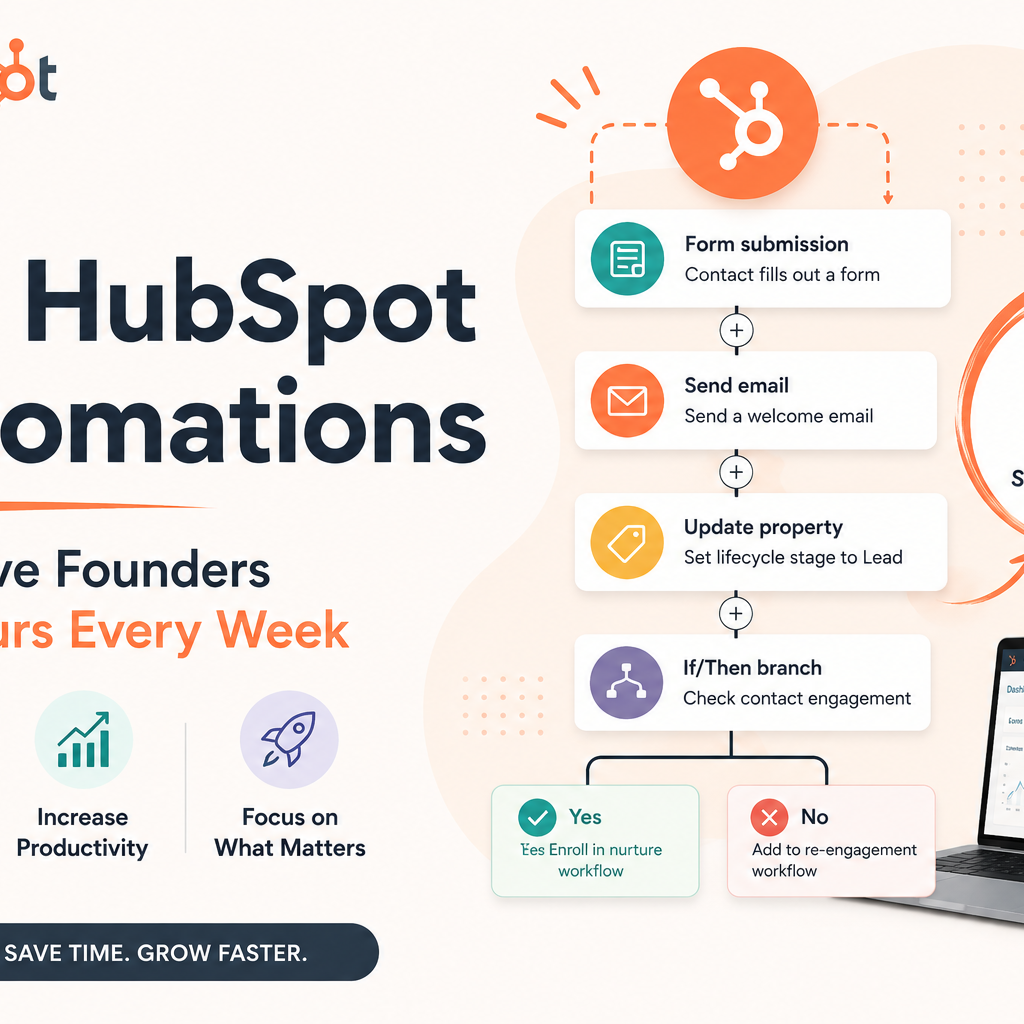
This is where HubSpot earns its premium price. You can build complex multi-branch workflows: “If contact visits pricing page → send email → if opens → add to sales queue → if doesn’t open → wait 3 days → send SMS.” These kinds of automations used to require a dedicated marketing ops hire. HubSpot makes it drag-and-drop.
5. Reporting & Analytics
The dashboards are excellent. I could see exactly which blog posts were generating leads, which sales reps were closing deals, and where prospects were dropping off — all in one screen. The attribution reporting on paid plans is genuinely best-in-class.
HubSpot Pricing — The Full Picture
This is where many reviews mislead you. HubSpot has a generous free tier, but the paid plans can scale up fast. Here’s a clear breakdown:
| Plan | Price (USD/mo) | Best For | Type |
|---|---|---|---|
| Free | $0 forever | Solo founders, freelancers | Free Forever |
| Starter | From $15/mo | Small teams, startups | Paid |
| Professional | From $800/mo | Growing businesses | Paid |
| Enterprise | From $3,600/mo | Large sales orgs | Paid |
🎯 Start with the free plan — upgrade only when you need to No risk. Cancel or stay free anytime.
Start Free Now →Pros & Cons After 6 Months of Real Use
✅ What I Love
- Free CRM is genuinely powerful
- Everything syncs — no data silos
- Gmail/Outlook integration is seamless
- HubSpot Academy is world-class
- 1,500+ integrations available
- Mobile app works really well
- Automatic contact enrichment
- Excellent email deliverability
❌ What Could Be Better
- Professional plan is expensive
- Steep learning curve initially
- Reporting limited on free plan
- HubSpot branding on free emails
- Workflow builder can be slow
- Customer support is email-only on free
Who Is HubSpot Best For?
Compared to Alternatives
HubSpot vs Salesforce: HubSpot wins on ease of use and price for SMBs. Salesforce wins for enterprise-level customization and complex org structures.
HubSpot vs Zoho CRM: HubSpot has a cleaner UX and better free tier. Zoho has more affordable paid plans. Both are solid — HubSpot edges ahead on integrations and support.
HubSpot vs Mailchimp: Not really comparable. Mailchimp is email-only. HubSpot is a full business platform that includes email marketing.
My Final Verdict — After 6 Months
HubSpot has genuinely transformed how my business runs. I closed more deals, spent less time on admin, and finally had clear visibility into what was working in my marketing. The free plan alone is worth signing up for — it’s better than what most paid tools offer.
Is it perfect? No. The Professional plan pricing will give you sticker shock, and it does take a few weeks to set up properly. But if you commit to learning it, the ROI is real.
My recommendation: Start free today. Use it for 30 days. You’ll have a clear picture of whether the paid upgrade makes sense for your business — and you’ll have lost nothing either way.
Ready to Try HubSpot?
Join 200,000+ businesses using HubSpot to grow faster. Start with the free plan — no credit card needed, no time limit. Upgrade only when you’re ready.
Try HubSpot Free →Affiliate Disclosure: This article contains affiliate links. If you click through and make a purchase, I earn a small commission at no additional cost to you. This helps support the free content on this site. I only recommend products I have personally tested and genuinely believe in — HubSpot is one of them.