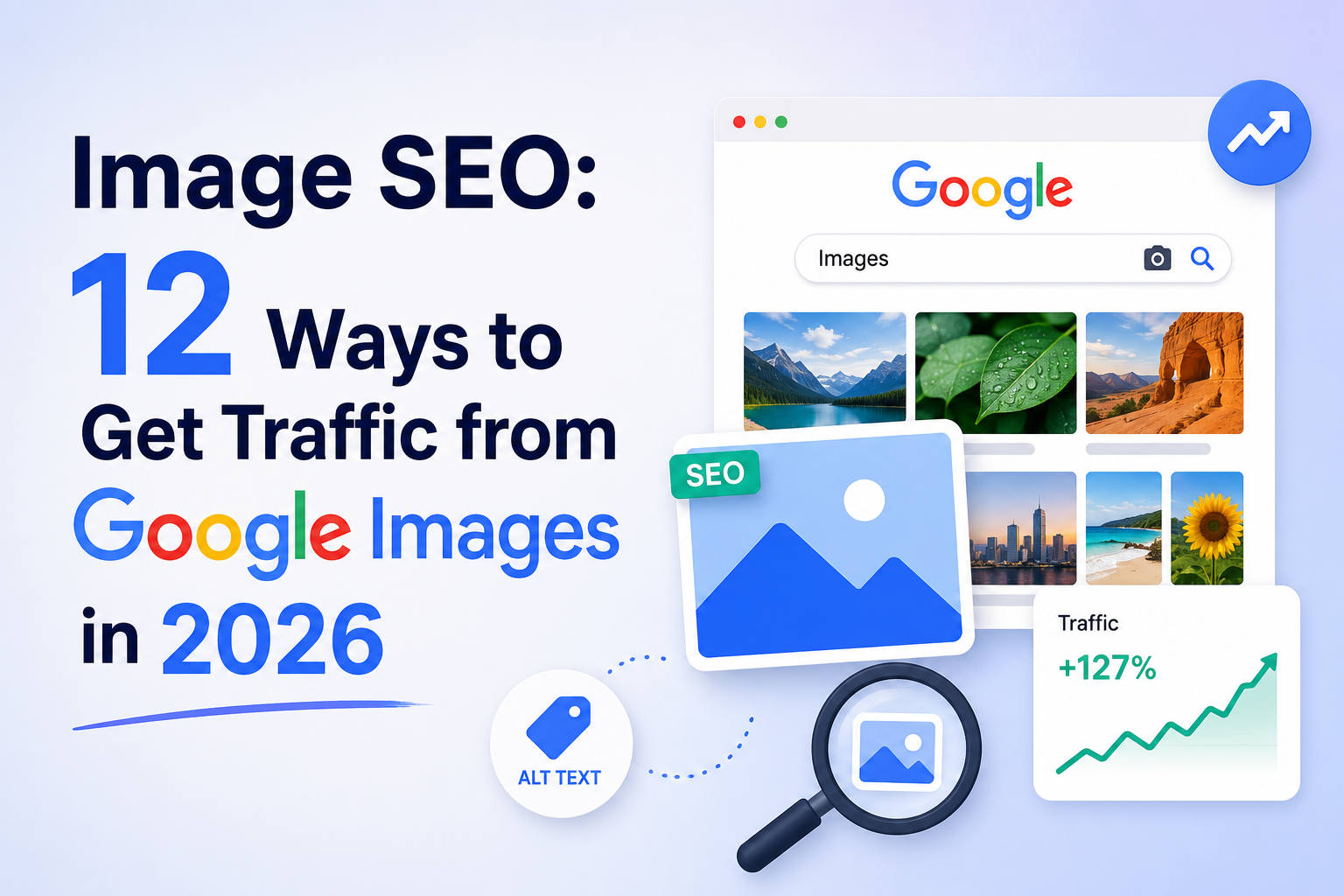
Quick Answer (AI Overview Snippet): Image SEO is the practice of optimizing images so they rank in Google Images, support page rankings, and surface in visual and AI search. The 2026 essentials: descriptive file names before upload, accurate alt text for every meaningful image, modern formats (WebP/AVIF) with aggressive compression, correct responsive sizing, lazy loading below the fold only, surrounding text relevance, image structured data, an image sitemap, and original images instead of recycled stock.
Introduction: The Traffic Channel Hiding in Plain Sight
Google Images handles a massive share of all Google searches — by most analyses, more than a fifth of them — yet it remains the least contested surface in SEO. Most websites upload images named IMG_4032.jpg with empty alt text, then compete furiously over blue links while an entire results tab sits open. For ecommerce, recipes, travel, real estate, design, fashion, and how-to niches, image search is not decoration; it is a direct discovery channel where users find products and ideas, then click through to buy.
Image SEO also pays three additional dividends beyond Images-tab traffic. Optimized images make pages faster — and media weight is the number one cause of failed Core Web Vitals. Alt text makes content accessible to visually impaired users, which is both the right thing and a quality signal. And as search goes multimodal — Google Lens visual queries in the billions per month, AI Overviews increasingly including images — machine-readable visuals are becoming part of how your content gets selected and cited at all.
In this guide, Webin Marketing covers the twelve practices that turn images from page weight into a ranking asset. Every one is implementable without paid tools.
How Google Understands Images
Google cannot fully “see” your photo the way a human does — its understanding is assembled from signals you control: the file name, the alt attribute, the caption and surrounding text, the page’s title and topic, structured data, and increasingly, machine-vision analysis of the image content itself. Rankings in Google Images then weigh that understanding alongside the host page’s authority and the image’s technical quality. The practical translation: image SEO is mostly metadata discipline plus page relevance — boring, repeatable work that compounds across every image you publish. Google’s own image best-practice documentation confirms each lever below.
The 12 Image SEO Best Practices
1. Name Files Descriptively Before Upload
The file name is the first signal Google reads. Rename before uploading: blue-cotton-kurta-men-front.jpg, not IMG_4032.jpg. Lowercase, hyphens between words, primary descriptor first, no keyword stuffing. Build this into your publishing workflow because renaming after upload on most platforms means re-inserting everywhere.
2. Write Alt Text That Actually Describes the Image
Alt text exists for accessibility first — screen readers speak it — and for search second. Describe what the image shows, specifically and concisely (under ~125 characters as a guideline): “man wearing blue cotton kurta with white churidar” beats both “kurta” and “buy best kurta online cheap price India”. Include the keyword only when it genuinely describes the image. Decorative images (dividers, background flourishes) should carry empty alt attributes so screen readers skip them — that is correct practice, not laziness.
3. Compress Aggressively, Convert to Modern Formats
WebP typically cuts file size 25–35% versus JPEG at equal quality; AVIF goes further where supported. Combine format conversion with quality-level compression (free tools: Squoosh, TinyPNG, or your platform’s automatic conversion). Targets to aim for: hero images under ~150–200KB, content images under ~100KB, thumbnails far less. Image weight is the single biggest lever on LCP for most sites — this practice alone often takes a failing template green.
4. Serve Correctly Sized Responsive Images
Never ship a 2400px-wide original into a 400px slot. Use srcset and sizes (or your CMS’s automatic responsive output) so phones download phone-sized files. PageSpeed Insights’ “properly size images” diagnostic shows exactly where you are wasting bytes today.
5. Lazy-Load Below the Fold — Never the Hero
Native loading=”lazy” on below-the-fold images defers their cost until needed. The critical exception: your LCP/hero image must load eagerly with high priority; lazy-loading it is the most common self-inflicted speed wound on the modern web. Above the fold eager, below the fold lazy — make it a template rule.
6. Surround Images with Relevant Text
Google leans heavily on context: the caption, the paragraph beside the image, the nearest heading, and the page title. Place images adjacent to the text they illustrate, caption them when a caption adds information, and keep one topic per page so every image inherits a clear context. An optimized image on an off-topic page ranks for nothing.
7. Use Original Images, Not Recycled Stock
The same stock photo on ten thousand sites gives Google no reason to rank your copy and gives AI systems no reason to attribute it to you. Original product photography, screenshots, annotated charts, before-and-after shots, and process photos rank better, earn links (writers cite original visuals because there is nothing else to cite), and demonstrate the first-hand experience that feeds E-E-A-T. A smartphone and decent natural light beat a stock subscription.
8. Add Image Structured Data
Mark up images within Product, Recipe, Article, and HowTo schema so they qualify for rich results — product images with price and availability badges in image search are direct shopping entry points. Specify multiple aspect ratios where documentation asks (1:1, 4:3, 16:9 for Article images). Validate with the Rich Results Test after theme changes, exactly as our technical SEO audit prescribes for all structured data.
9. Create an Image Sitemap (or Extend Your Existing One)
Image sitemap entries help Google discover images loaded via JavaScript or hosted on CDNs it might otherwise associate weakly with your pages. Most SEO plugins and platforms can include image data in the standard sitemap automatically — verify it is enabled and submitted in Search Console.
10. Keep Image URLs Stable and Crawlable
Treat image URLs like page URLs: stable over time (moving images loses their accumulated ranking), on a crawlable host, not blocked in robots.txt, and served over HTTPS. If you migrate domains or CDNs, redirect image URLs too — they carry equity. And ensure your CDN or theme does not block Googlebot-Image.
11. Optimize for Visual and Multimodal Search
Google Lens queries — point a camera, get results — reward clean product shots on plain backgrounds, multiple angles, and exact-match catalogue imagery. For AI surfaces, clearly labelled diagrams, charts with readable titles, and step photos in how-to content are the image types generated answers prefer to feature. If you sell physical products, Lens-friendliness is now part of shelf presence.
12. Audit Image Performance Quarterly
In Search Console, filter performance by Search type: Image to see exactly which images earn impressions and clicks, for which queries. Pair with PageSpeed diagnostics for weight regressions. Pay special attention to pages earning image impressions for queries your written content never targeted — those are content gaps the visual channel discovered for you, each worth a paragraph or a product attribute in copy. The audit loop: find images ranking on page two of the Images tab → improve their alt text, surrounding content, and host-page authority → measure the following month. Most sites have never looked at this report once; checking it quarterly already puts you ahead.
Image SEO Checklist by Page Type
| Page Type | Priority Image Work |
| Product pages | Original multi-angle photos, descriptive names/alt, Product schema with image, white-background primary shot for Lens |
| Blog posts | One original diagram or chart per major section, captioned, compressed, Article schema images |
| Local/service pages | Real premises/team/project photos (also uploaded to Google Business Profile), geo-relevant names |
| Recipes/How-to | Step photos with HowTo/Recipe schema, final-result hero, descriptive captions |
| Category/collections | Fast-loading optimized thumbnails, consistent aspect ratios to protect CLS |
Image SEO for Ecommerce: Where the Money Is
No niche earns more from this work than online stores, because product images *are* the product page. Four commerce-specific moves:
Build the image set buyers and engines both want. Primary shot on clean background (the Lens- and Shopping-friendly format), lifestyle shots in context, detail crops of materials and stitching, scale references, and every colour variant photographed — not colour-shifted in software. Each variant image gets its own descriptive file name and alt text (“women’s emerald green silk saree zari border detail”), turning your catalogue into hundreds of long-tail entry points.
Wire images into your product data. Product schema image properties, image URLs in your merchant feed, and consistent imagery between site and feed determine how you appear across image search, the Shopping tab, and AI shopping surfaces. Mismatched or missing feed images quietly forfeit placements your competitors collect.
Protect speed at catalogue scale. Collection pages multiply image cost by forty; enforce thumbnail size budgets, identical aspect ratios (CLS insurance), and platform-level automatic WebP so the rules apply to every upload from every team member forever.
Mine the demand signal backwards. The image-search queries report often reveals attribute language buyers use that your copy lacks — “kurta with pockets,” “matte finish,” “for broad feet.” Feed those phrases back into product descriptions and alt text, and the loop between image SEO and on-page copy closes. Stores that run this loop quarterly compound an advantage that pure ad spenders never see, because it costs discipline instead of budget.
A Realistic Image SEO Workflow for Teams
Sustainable beats perfect, and ownership makes it sustainable: name one person responsible for the workflow below, give them the checklist, and review the image performance report together quarterly so the habit has an audience. Bake five rules into your publishing checklist so every new image ships optimized: (1) renamed descriptively, (2) resized to its largest display size, (3) compressed to WebP, (4) alt text written, (5) placed beside its relevant text with a caption where useful. Then schedule the backlog separately: a quarterly sprint optimizing existing images starting with your highest-traffic pages — Search Console’s image report tells you where the impressions already are, which is where fixes pay fastest. A store with two thousand legacy images does not need them all fixed this month; it needs the top fifty money pages fixed this week and a workflow that stops the problem growing.
Quick Wins You Can Ship This Week
If the full program feels large, start with the five moves that pay fastest: compress and convert the hero images on your ten highest-traffic pages (an afternoon, often your biggest single LCP gain); write real alt text for every image on your five top money pages; rename and re-export the images for your next five planned posts before publishing; enable your platform’s automatic WebP conversion so the problem stops growing; and open Search Console’s image performance report for the first time to see which queries already send you image impressions. Five tasks, one week, measurable inside a month — momentum that makes the quarterly program feel inevitable instead of optional.
Common Image SEO Mistakes
- Uploading camera-default file names and empty alt text, forever
- Stuffing alt attributes with keyword lists that help no one
- 3MB hero images “because quality” — then failing LCP sitewide
- Lazy-loading above-the-fold images
- Hiding every image behind JavaScript galleries Google cannot easily crawl
- Blocking image directories or CDNs in robots.txt by accident
- Using the identical stock photo as ten thousand competitors and expecting visibility
- Deleting or moving image URLs during redesigns without redirects
Frequently Asked Questions About Image SEO
Does alt text really affect rankings?
WebP or AVIF — which should I use in 2026?
How many images should a blog post have?
Do stock photos hurt SEO?
Should I watermark images to protect them?
How do I see traffic from Google Images specifically?
Conclusion: Every Image Is a Search Result Waiting to Happen
Your competitors are uploading IMG_4032.jpg with empty alt text today, just like they did last year. That is the entire opportunity: a disciplined naming-alt-compression workflow on new images, a prioritised cleanup of your money pages, structured data where it earns badges, and a quarterly look at the image performance report. Modest, repeatable work — compounding across hundreds of images into a traffic channel most sites never open.
Want it handled as part of a complete program? Webin Marketing’s SEO services include full image SEO — audits, compression pipelines, schema, and visual-search readiness — for content sites and ecommerce stores across India and worldwide. Book a free strategy call and we will show you what your image search footprint looks like right now, and what it could be.
Affiliate Disclosure
Some links in this article may be affiliate links. If you purchase a tool or service through these links, Webin Marketing may earn a small commission at no extra cost to you. We only recommend tools we have tested or genuinely believe add value to our readers.
Disclaimer
This article is for informational and educational purposes only. Search systems and image formats evolve, and no agency can guarantee specific rankings or traffic outcomes. Validate technical changes on your own platform and consult current official documentation before bulk image operations.