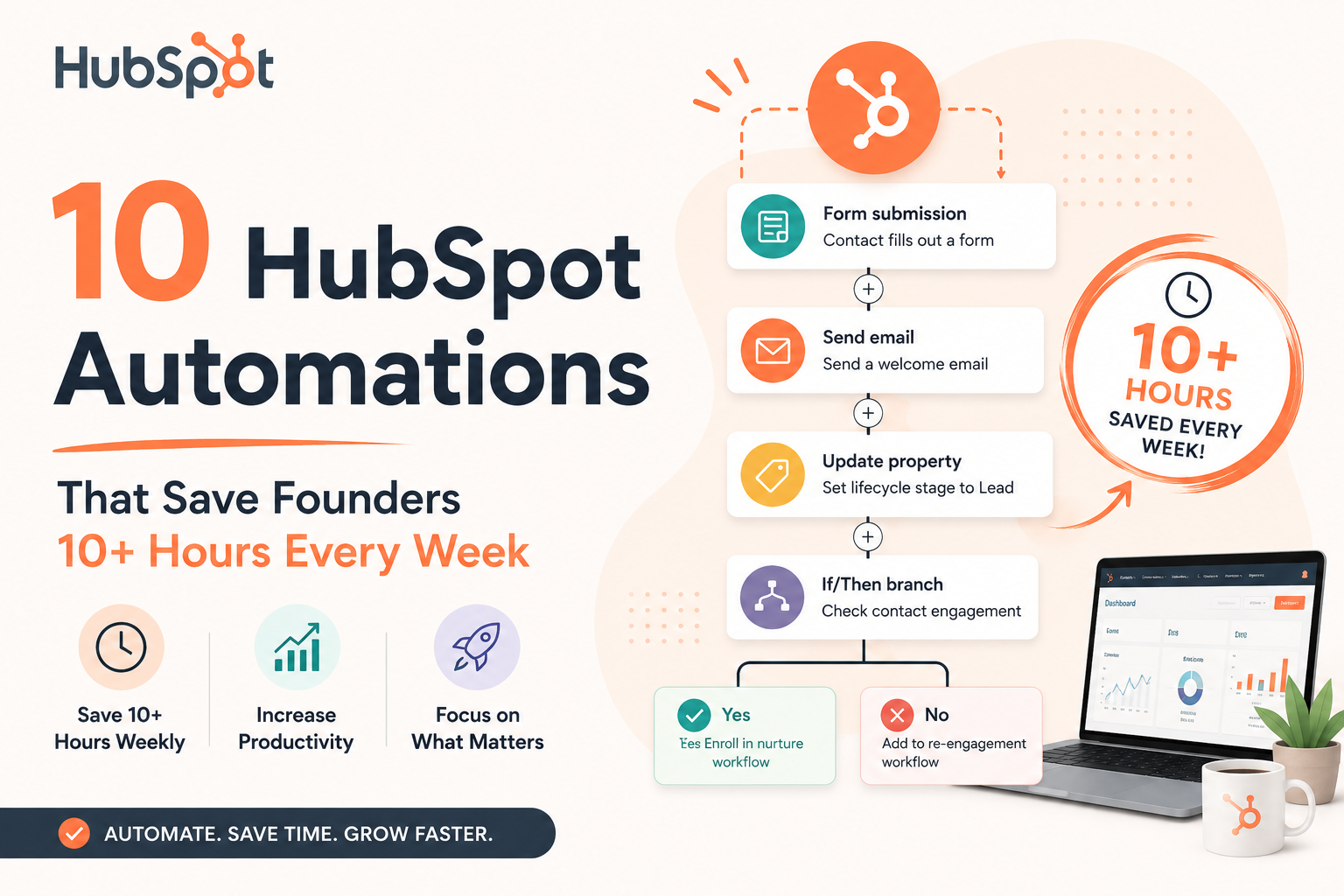
You didn’t start a company to spend your Tuesday afternoons sending follow-up emails and updating deal stages in your CRM. Yet here you are — doing exactly that — while your calendar fills up with tasks that software could handle in milliseconds.
HubSpot’s automation engine is genuinely powerful. It’s one of the few platforms where a non-technical founder can set up professional-grade workflows without writing a single line of code. The problem? Most founders use maybe 10% of what’s available — usually just the email autoresponder — and leave thousands of dollars of recovered time on the table every month.
These 10 automations are pulled from real founder workflows. They’re specific, they work, and together they add up to a minimum of 10 hours saved per week — often much more.
All of the automations below are available on HubSpot’s free and Starter tiers — you don’t need an enterprise plan to reclaim your calendar. If you haven’t started yet, grab a free HubSpot account here and follow along.
Every time a new contact hits your CRM — from a form, an ad, an import — someone has to decide who gets it. If that someone is you, you’re burning time you don’t have. This workflow routes leads to the right rep automatically based on whatever logic makes sense for your business: geography, company size, lead source, or round-robin.
- 1Go to Workflows → Contact-based, trigger on “Contact is created”
- 2Add an If/Then branch filtering by lead source or country
- 3Use the “Rotate record to owner” action for round-robin, or assign directly
- 4Notify the assigned rep via task creation + internal email
Research is brutal on this: responding to a lead within 5 minutes makes you 9× more likely to qualify them. Responding within 30 minutes still beats calling an hour later. This automation fires an immediate, personalised-feeling email the moment someone fills out a form — without you touching a keyboard.
The key is making the first email feel written, not canned. Use HubSpot’s personalisation tokens ({firstname}, {company}, the form they came from) to avoid the “dear valued customer” vibe.
- 1Trigger: “Form is submitted” → select your lead capture form
- 2Action: Send email immediately using a warm, conversational template
- 3Wait 1 day → send a value-add follow-up (a guide, case study, or demo link)
- 4Wait 3 days → create a task for the assigned rep to call
When a deal moves to “Proposal Sent,” someone needs to schedule a follow-up call. When it moves to “Contract Out,” someone needs to chase the signature. You don’t need to be that someone — HubSpot can create the task, assign it, and set the deadline the moment the deal stage changes.
- 1Create a Deal-based workflow, trigger on “Deal stage is changed to [X]”
- 2Action: Create task — pre-fill subject, due date (3 days), and assign to deal owner
- 3Also send an internal notification to Slack or email
- 4Build a separate branch for stalled deals — if a deal hasn’t moved in 14 days, create a “re-engage” task
Running a small team? HubSpot’s Starter CRM Suite bundles Sales, Marketing, and Service hubs — all automations included — from $15/seat/month. Most founders find it pays for itself within the first month of use.
No-shows happen to every founder. The problem isn’t the missed meeting — it’s the manual back-and-forth trying to reschedule it. Connect HubSpot Meetings to a workflow that automatically sends a graceful re-booking email within 30 minutes of a missed appointment, using your live Calendly or HubSpot Meetings link.
- 1Trigger on “Meeting outcome is No Show” (HubSpot Meetings integration)
- 2Delay: Wait 30 minutes → send a short, warm re-booking email with your calendar link
- 3If no re-booking within 3 days → create a manual follow-up task
The first 30 days of a customer relationship determine whether they renew. A well-designed onboarding sequence — welcome, first win, advanced feature, check-in, review ask — used to mean hours of manual sending. Now you build it once and it runs forever. This is one of the highest-ROI automations any SaaS or service founder can build.
- 1Trigger: Contact property “Lifecycle stage” changes to “Customer”
- 2Day 0: Welcome email with next-step resources
- 3Day 3: “How’s it going?” check-in with a direct reply-to address
- 4Day 7: Feature spotlight or case study
- 5Day 21: NPS survey or review request using HubSpot’s feedback forms
You’re halfway through — already see the time savings?
Every automation above is built inside HubSpot — no third-party tools, no Zapier tax, no developer needed. Start free and build your first workflow today.
Try HubSpot free → → No credit card required · Free forever plan availableInstead of manually qualifying leads and updating property fields, use HubSpot’s lead scoring combined with workflows that automatically update lifecycle stages when a contact hits a threshold. Combine this with HubSpot’s native data enrichment or tools like Clearbit to auto-fill company size, industry, and job title.
- 1Go to Settings → Properties → Lead Score — set point values for key actions (email opens, page visits, form fills)
- 2Build a workflow: When lead score ≥ 50 → change lifecycle to MQL → notify sales rep
- 3Add a Slack notification action to alert your team instantly
Your at-risk customers are telling you they’re about to leave — through low email engagement, no product logins, or unanswered check-ins. A churn-prevention workflow watches these signals automatically and alerts your team (or sends a proactive “we noticed you’ve been quiet” email) before the cancellation request lands in your inbox.
- 1Track a “last login date” or “last email opened” custom property
- 2Trigger: If customer hasn’t engaged in 21 days → send a personal check-in email from the account owner
- 3If no response in 3 days → create urgent task for CS team + Slack alert
HubSpot’s Quotes tool lets you send professional proposals directly from the CRM. Connect it to a workflow and you eliminate three or four manual steps: creating the quote, following up when it hasn’t been viewed, chasing the signature, and marking the deal as closed-won after payment.
- 1Trigger: Quote status changes to “Sent”
- 2If not viewed in 48 hours → automated follow-up: “Just checking you received this”
- 3Quote signed → move deal to “Closed Won” → trigger onboarding sequence (#5 above)
- 4Optionally connect HubSpot Payments to auto-charge on signing
If you’re using HubSpot Service Hub, every support ticket that comes in via email, chat, or form can be automatically categorised, assigned, and prioritised — without a human triaging the inbox. Set up SLA alerts so critical tickets never fall through the cracks.
- 1Trigger: Ticket is created → auto-assign based on category or team
- 2Send auto-acknowledgement to the customer: “We’ve got your ticket and will reply within 4 hours”
- 3If ticket is still open after 4 hours → escalation notification to team lead
A dirty CRM costs you money — in bad data, wrong outreach, and missed signals. This automation runs weekly in the background: it flags contacts that haven’t had any activity in 90 days, emails them a simple “still relevant?” message, and removes those who don’t respond from your active marketing lists. It also standardises messy data fields automatically.
- 1Build a contact list: “Last activity date is more than 90 days ago AND lifecycle = Lead”
- 2Enroll in a re-engagement workflow: 2-email sequence over 7 days
- 3No engagement → set “Marketing contact status” to Unsubscribed / suppress from future sends
- 4Bonus: use a workflow to auto-capitalise first name / company fields on creation
| # | Automation | Weekly time saved |
|---|---|---|
| 1 | Lead auto-assignment | ~2 hrs |
| 2 | Instant lead response sequence | ~1.5 hrs |
| 3 | Deal stage + task automation | ~1.5 hrs |
| 4 | No-show re-booking | ~45 min |
| 5 | Customer onboarding drip | ~2 hrs |
| 6 | Lead scoring + lifecycle | ~1 hr |
| 7 | Churn-risk early warning | ~1 hr |
| 8 | Quote → contract → payment | ~1.5 hrs |
| 9 | Support ticket routing + SLA | ~45 min |
| 10 | CRM hygiene cleaner | ~1 hr |
| Total weekly saving | 13+ hours | |
Start with just 2 automations
Don’t try to build all 10 this week. Pick the lead response sequence (#2) and your customer onboarding drip (#5) — they’re the fastest to set up and the most immediately impactful. Once those are running, add one new workflow per week. Within 6 weeks, you’ll have the full stack live. HubSpot’s workflow template library has pre-built versions of most of these — just customise and activate.
You just found 13+ hours a week.
Now go reclaim them.
HubSpot’s free plan includes the CRM, basic workflows, email sequences, meeting links, and quote tools — everything you need to get started with automations #1 through #5 today.
Try HubSpot free →