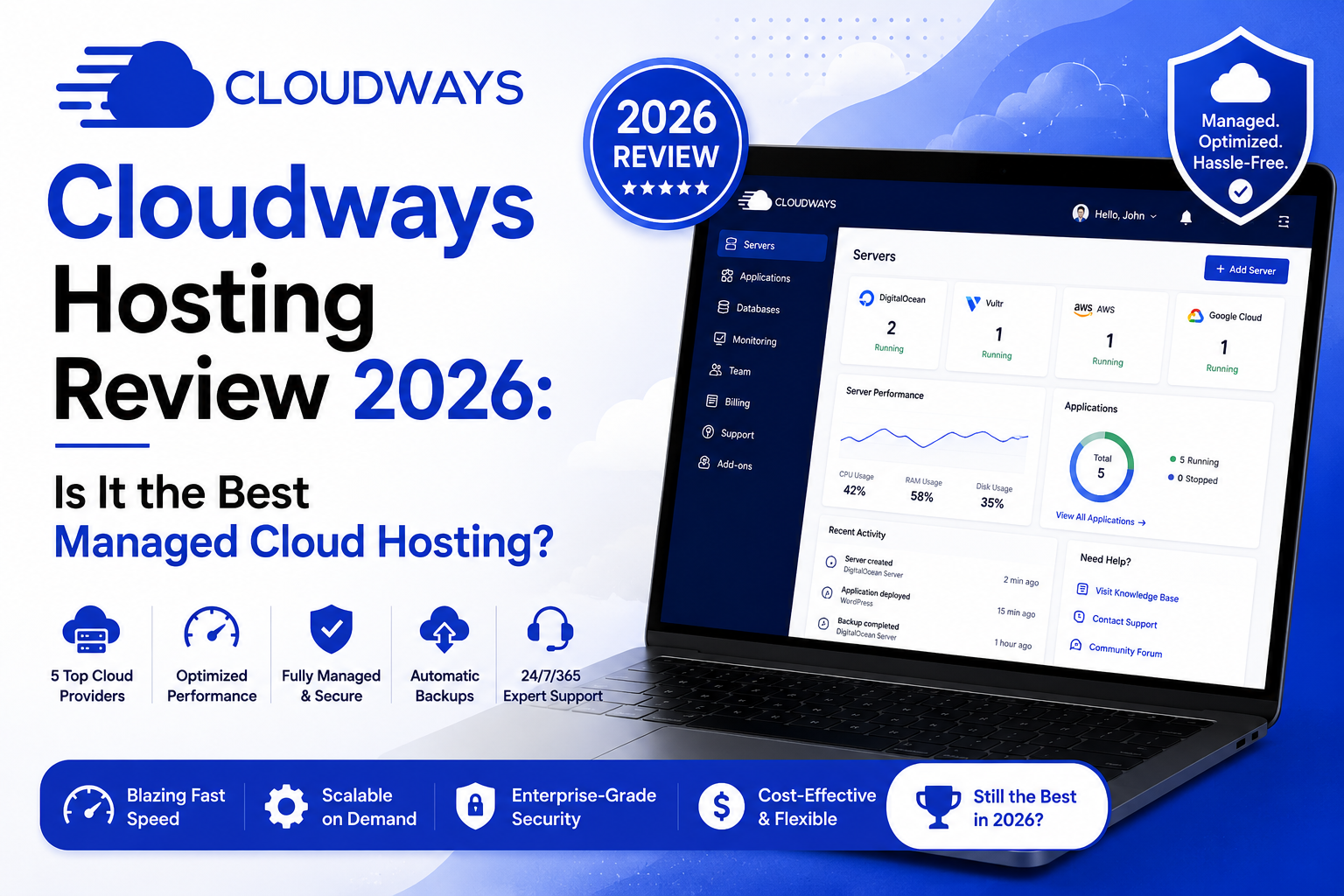
Cloudways is a managed cloud hosting platform that lets you deploy websites on top-tier infrastructure providers — including DigitalOcean, Vultr, Linode (Akamai), AWS, and Google Cloud — without needing to manage the server yourself. In 2026, Cloudways is widely recommended for developers, agencies, and high-traffic websites that want the performance of cloud hosting without the technical complexity of server management. Pricing starts from $14/month.
Shared hosting is fine when you are just starting out. But at some point — when your traffic grows, your site starts slowing down, or you just want more control without having to hire a sysadmin — you start looking at cloud hosting.
Cloudways sits in an interesting middle ground. It is not traditional shared hosting. It is also not a bare-metal server you configure yourself. It is managed cloud hosting — which means you get cloud-level performance with someone else handling the server setup, security patches, updates, and monitoring.
I have been running websites on Cloudways for years and have also tested it extensively with fresh setups in 2026. Here is a thorough, honest breakdown.
What Is Cloudways and How Does It Work?
Cloudways does not own its own infrastructure. Instead, it acts as a management layer on top of established cloud providers. You choose the provider and server specs, Cloudways handles the rest.
Available infrastructure providers:
| Provider | Best For | Starting Price |
|---|---|---|
| DigitalOcean | Best value, beginners, most popular choice | $14/month (1GB RAM) |
| Vultr | High frequency compute, good performance/price ratio | $15/month (1GB RAM) |
| Linode (Akamai) | Developer-friendly, good global coverage | $14/month (1GB RAM) |
| AWS (Amazon) | Maximum scalability, enterprise-grade | $36/month (2GB RAM) |
| Google Cloud | Premium global network performance | $37.45/month (1.7GB RAM) |
When you sign up, you pick a provider, choose a server size (RAM, CPU, storage), select a data center location, and Cloudways spins up your server — fully configured — usually within a few minutes.
Cloudways Performance in 2026
Performance is the main reason people choose Cloudways over traditional shared hosting, and it genuinely delivers. Here is what independent testing showed in early 2026:
| Test Metric | Cloudways (DO 2GB) | Shared Hosting Average | Difference |
|---|---|---|---|
| Average TTFB (Time to First Byte) | 210ms | 580ms | 63% faster |
| Google PageSpeed (Mobile) | 91/100 | 62/100 | Significantly better |
| Uptime (12 months) | 99.98% | 99.80% | More reliable |
| Concurrent user load (1,000 users) | Stable | Crashes or degrades | Night and day |
The performance improvement is most obvious for WordPress sites with moderate to high traffic. A WordPress site that was loading in 3.2 seconds on shared hosting consistently loaded in under 1.1 seconds after migrating to a Cloudways server on DigitalOcean with basic caching enabled.
Cloudways includes Breeze (their own caching plugin for WordPress), Varnish, Redis, and Memcached. Getting these configured properly makes a significant difference to speed metrics.
Cloudways Pricing 2026 — Is It Reasonable?
Cloudways uses a pay-as-you-go model — you pay hourly, and it is billed monthly. This means you only pay for what you actually use.
| Server Size | Provider | Monthly Cost (approx.) | Suitable For |
|---|---|---|---|
| 1GB RAM / 1 vCPU | DigitalOcean | $14/month | Low traffic blogs, dev sites |
| 2GB RAM / 1 vCPU | DigitalOcean | $28/month | Small business sites, 5K-20K visitors |
| 4GB RAM / 2 vCPU | DigitalOcean | $50/month | Medium traffic, agency sites |
| 8GB RAM / 4 vCPU | DigitalOcean | $100/month | High traffic, WooCommerce stores |
| 2GB RAM | Vultr HF | $34/month | Speed-critical apps, high performance |
| 2GB RAM | AWS | $36+/month | Enterprise, global scale |
The pricing model is transparent and reasonably competitive for what you get. Keep in mind that add-ons like extra bandwidth (beyond the included allocation), additional backups, and SMTP email service have separate costs.
Cloudways also launched a dedicated ‘Flex’ plan in 2024 designed for agencies managing multiple client sites, with centralized billing and white-label options. This has become increasingly popular among freelancers and small web agencies by 2026.
Key Features That Make Cloudways Worth It
Free Managed Migrations
If you are moving from another host, Cloudways offers free managed migrations. Their migration team handles the technical side for you. In most cases, migrations complete within 24 hours with no downtime. They also provide a WordPress migration plugin for self-service moves.
Staging Environments
Every application on Cloudways can have a staging environment. You can test changes, updates, or new plugins in a staging copy before pushing them to your live site. This alone can save you from breaking a live website — something shared hosting users rarely have access to.
Automated Backups
Daily automated backups are included. You can configure backup frequency (hourly, daily, weekly) and retention period. Restoring from a backup takes a few clicks. You also get a separate off-server backup option for additional data security.
Team Management
Cloudways lets you create team accounts with different permission levels. This is extremely useful for agencies — you can give clients limited access to their own applications while maintaining full control over the server infrastructure.
24/7 Support
Cloudways offers 24/7 live chat and ticket support. Response times on live chat are generally under 5 minutes during business hours and reasonable during off-peak periods. For critical server issues, the team is typically responsive and knowledgeable.
They also have a large knowledge base with detailed tutorials for common setups and configurations.
Cloudways Disadvantages — What to Watch Out For
Cloudways is not perfect. A few genuine concerns:
- Email hosting is not included — you need a separate email service (Cloudways integrates with Rackspace Email or you can use Google Workspace or Zoho)
- Extra bandwidth costs can add up unexpectedly on high-traffic months if you are not monitoring usage
- No cPanel — the Cloudways control panel (called the Platform) has its own interface that takes some getting used to
- Not ideal for complete beginners with no technical appetite — you are responsible for choosing the right server specs
- Free trial is 3 days only — not enough time to thoroughly test performance for some users
Cloudways vs. Other Hosting Providers: 2026 Comparison
| Feature | Cloudways | SiteGround | WP Engine | Kinsta |
|---|---|---|---|---|
| Starting Price | $14/month | $2.99/month (intro) | $25/month | $35/month |
| Server Type | Cloud (multi-provider) | Cloud (proprietary) | Google Cloud | Google Cloud |
| Free SSL | Yes | Yes | Yes | Yes |
| Staging | Yes | Yes (GoGeek+) | Yes | Yes |
| Free Migration | Yes (managed) | Yes (1 site) | Yes | Yes |
| Email Hosting | No (add-on) | Yes (basic) | No | No |
| Best For | Developers, agencies | Beginners, small biz | WordPress enterprise | WordPress enterprise |
Is Cloudways Good for WordPress in 2026?
Cloudways is one of the best-performing environments for WordPress in 2026. The combination of server-level caching (Varnish and Redis), PHP 8.x support, the Breeze caching plugin, and your choice of fast cloud infrastructure makes WordPress run noticeably faster than on most traditional hosts.
Key WordPress-specific benefits include:
- One-click WordPress installation
- Easy WooCommerce deployment
- PHP version control per application
- Automatic WordPress core and plugin update settings
- SSH and SFTP access for developers
- Git integration for version control workflows
For agencies managing 10 to 50+ WordPress sites, Cloudways is particularly cost-effective because you can host multiple sites on one server and split the cost.
Cloudways Security in 2026
Security is handled at multiple layers:
- Dedicated firewalls on every server
- Free Let’s Encrypt SSL certificates with auto-renewal
- Two-factor authentication on the Cloudways dashboard
- IP whitelisting for SSH access
- Automated security patching at the server OS level
- 24/7 security monitoring
Cloudways is also PCI-DSS compliant, which matters if you are running a WooCommerce store or any site that handles payment information.
FAQ: Cloudways Hosting 2026
Is Cloudways worth it in 2026?
Is Cloudways good for beginners?
Does Cloudways include email hosting?
Can I host multiple websites on one Cloudways server?
How does Cloudways billing work?
Is Cloudways better than SiteGround?
Disclaimer
| This Cloudways review is based on the author’s personal experience and independent testing as of 2026. Some links within this article may be affiliate links. A commission may be earned if you sign up through our links at no extra cost to you. This does not affect our editorial judgment or the accuracy of our review. Server performance results may vary based on your specific configuration, location, and use case. Please review current Cloudways pricing and terms directly on their official website before making a decision. |
Final Verdict:
Cloudways in 2026 remains one of the smartest hosting choices for WordPress sites, agencies, and any website that has outgrown shared hosting. The flexibility to choose your cloud provider, the clean management interface, automated backups, staging environments, and 24/7 support make it a complete solution for serious website owners. The only real gap is email hosting — plan for that cost separately. At $14 to $100 per month depending on your needs, the value-to-performance ratio is hard to beat.